Start with a complete outfit
“A white cotton T-shirt, straight-leg blue jeans, and a tan oversized jacket.”
AI CLOTHES CHANGER · IPHONE & ANDROID
A different color. A new layer. A complete outfit idea. Describe the clothes in Custom Outfit, or choose a catalog look, and create an AI preview on your own photo.
Adults 18+ · Custom Outfit requires an active subscription and available credits.
See how Custom Outfit works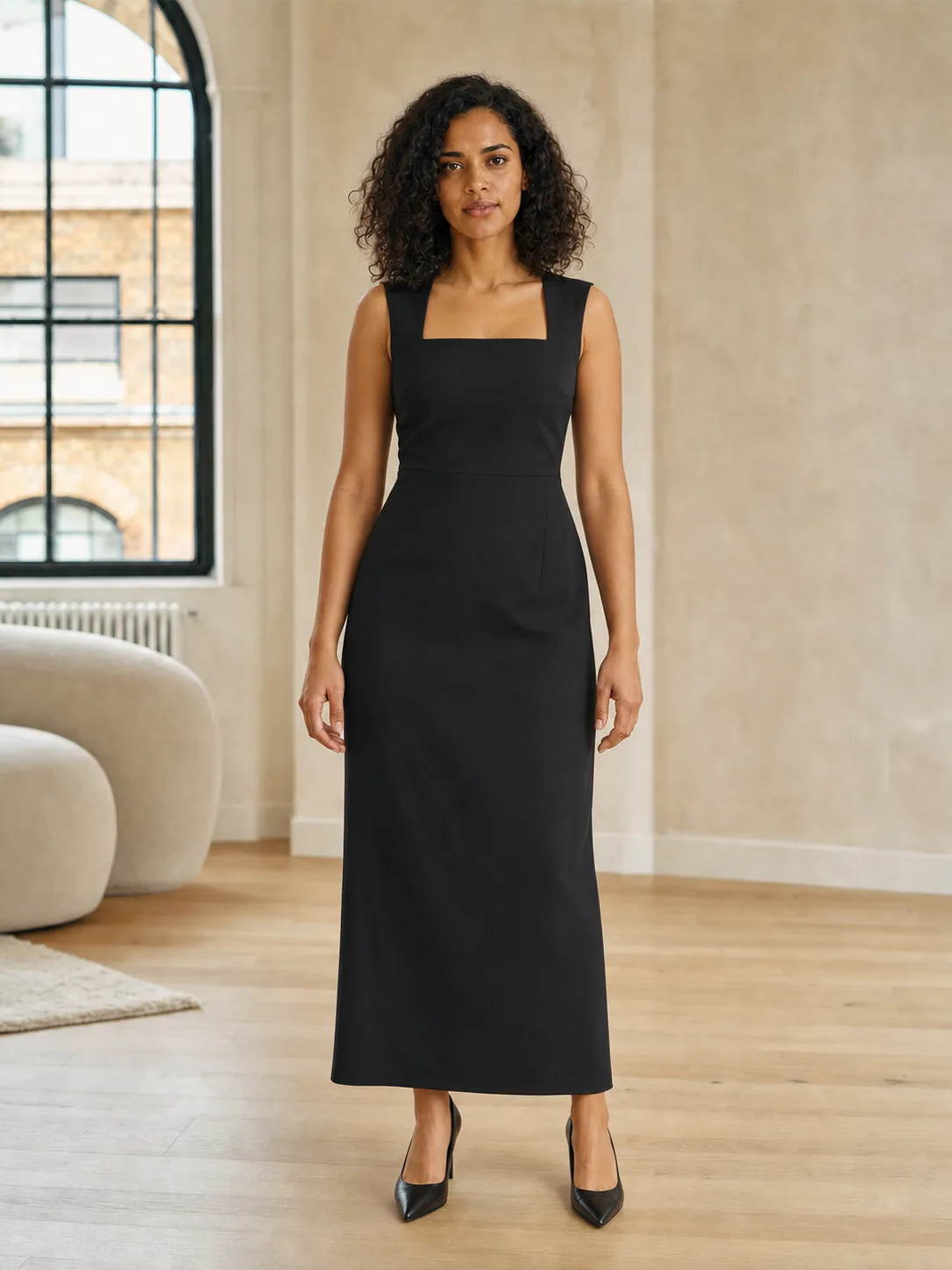

Drag to compare
Illustrative AI example · one selected look
CUSTOM OUTFIT · SUBSCRIPTION FEATURE
Start with your own photo and a clothing description. You don't need a separate garment image to use Custom Outfit.
In the app, tap the “Create the look you crave” card on the home screen.
Name the garments, colors, and silhouette. Use a clear photo showing only you as an adult.
An active subscription and available try-on credits are required. Save the preview you want to keep.
AI may change clothing, face, body, or background details. A preview does not measure size or predict real fit.
Looking for lingerie? Use Custom OutfitDESCRIBE YOUR OUTFIT
A burgundy knit top, charcoal wide-leg pants, and a cropped cream jacket.
TWO WAYS TO CHANGE YOUR OUTFIT
| What you need | Catalog try-on | Custom Outfit |
|---|---|---|
| Input | Your photo + a prepared outfit reference | Your photo + a clothing description |
| Best starting point | A complete look you can already see | A specific combination, color, or layer you have in mind |
| Access | Available standard try-on credits | An active subscription + available try-on credits |
| Find similar products | On the 100 try-ons/week plan; daily limit applies | Not available from custom results |
One-time credit packs support standard catalog try-ons. They do not activate a subscription or unlock Custom Outfit.
See the catalog try-on photo guideMAKE THE DESCRIPTION CONCRETE
“A white cotton T-shirt, straight-leg blue jeans, and a tan oversized jacket.”
“A navy midi dress with long sleeves, a square neckline, and a fitted waist.”
Keep the outfit description consistent and change one detail, such as the jacket color, for your next preview.
These are example descriptions, not verified product results. AI can invent details and does not promise an exact brand or manufactured garment.
FROM EVERYDAY TO OCCASIONWEAR
Browse available Halloween looks in the iPhone and Android catalog, or describe an outfit idea in Custom Outfit. Collections vary by app version and platform.
For covered adult lingerie and underwear, follow the Custom Outfit guide ↗.
Use a clear, well-lit photo showing only you as an adult. The generated image can change your appearance and garment details. Confirm measurements, fabric, support, comfort, and returns with the seller before buying.
In Lace Riot, choose a catalog look or open Custom Outfit from the home screen. Add a current photo showing only you as an adult. For Custom Outfit, describe the garments you want and generate with an active subscription and available try-on credits. Review the result and save it to your device.
Yes. Custom Outfit uses your photo and a description of 3–500 characters. Name the garments, colors, layers, and silhouette. You do not need a separate garment image. The AI may interpret details differently from your description.
Lace Riot offers in-app purchases. Custom Outfit requires an active subscription and available try-on credits. A one-time credit pack does not unlock Custom Outfit. Check your store's current price and renewal terms before buying.
You can describe covered, non-explicit adult lingerie or underwear in Custom Outfit. Use only your own adult photo. Some requests may be declined, and regional restrictions apply. The prepared lingerie catalog is available on Android, not in the current iPhone catalog.
Custom Outfit creates a synthetic outfit idea, not a verified product listing. Visual product search is separate: it uses selected catalog outfit references, requires the 100 try-ons/week subscription, and has a daily usage limit. It is not available from Custom Outfit results.
The AI attempts to preserve your identity, pose, and scene, but it can change face, body, clothing, and background details. The result is a synthetic style preview. It does not measure your body or predict clothing size, comfort, or real-world fit.
OPEN LACE RIOT ON YOUR PHONE
Choose your store, then open Custom Outfit in the app.
Adults 18+ · In-app purchases · Subscription and credits required for Custom Outfit.