Size & measurements
No body scan, bra-size calculation, or brand-specific sizing prediction.
CUSTOM OUTFIT · ADULTS 18+
Explore a lingerie or underwear style through Custom Outfit. Describe the covered adult look you have in mind, add your own photo, and create a synthetic preview in the Lace Riot app.
iPhone & Android · Active subscription and available credits required. Some requests may be declined; regional restrictions apply.
Find lingerie in Custom Outfit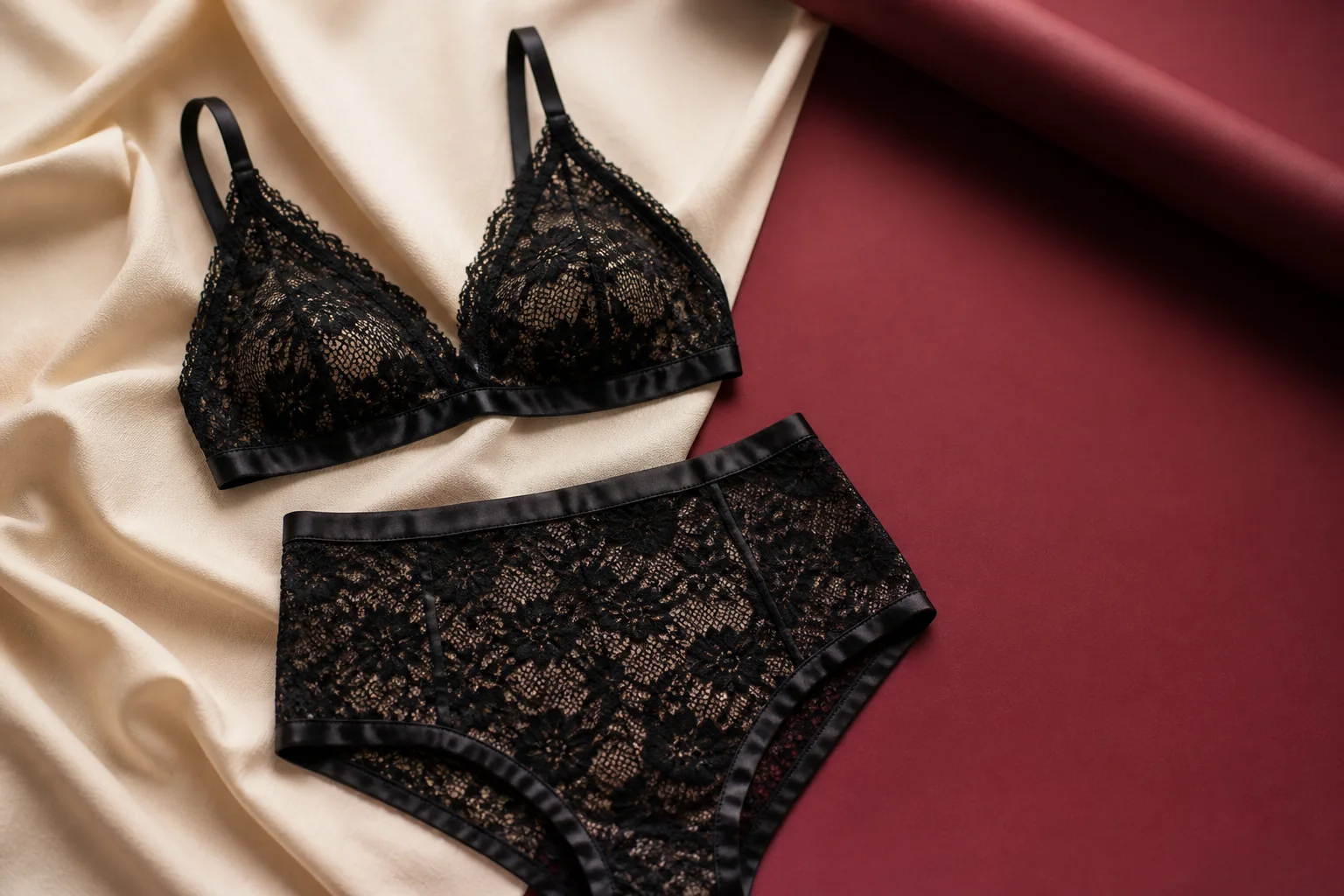
CUSTOM OUTFIT · SUBSCRIPTION FEATURE
Start with your own photo and a clothing description. You don't need a separate garment image to use Custom Outfit.
In the app, tap the “Create the look you crave” card on the home screen.
Name the garments, colors, and silhouette. Use a clear photo showing only you as an adult.
An active subscription and available try-on credits are required. Save the preview you want to keep.
AI may change clothing, face, body, or background details. A preview does not measure size or predict real fit. Covered, non-explicit adult styles only; some requests may be declined, and availability can vary by region.
Explore more custom outfit ideasDESCRIBE YOUR OUTFIT
A lined black lace bralette with opaque high-waisted briefs and a burgundy satin robe.
KNOW WHERE TO START
Use your photo and a clothing description to explore covered adult lingerie, underwear, sleepwear, or loungewear ideas. Custom Outfit requires an active subscription and available try-on credits. One-time credit packs do not unlock it.
The Android catalog also includes adult lingerie and underwear references across women's and men's categories. The current iPhone catalog does not include those prepared looks. Collections and availability can change by version and region.
STYLE DIRECTION, WITH CLEAR LIMITS
No body scan, bra-size calculation, or brand-specific sizing prediction.
No reliable prediction of support, compression, movement, or all-day comfort.
No guarantee of real coverage, lining, sheerness, stretch, or fabric behavior.
Garment details, anatomy, proportions, face, and background can change during generation.
Use the preview to explore an outfit idea. Check the actual seller's size chart, product details, and returns. Read how photo processing works and the Terms before using the app.
Open the Create the look you crave card on the app home screen to enter Custom Outfit. Add a current photo of yourself as an adult and describe a covered, non-explicit lingerie or underwear outfit. Generate with an active subscription and available try-on credits. Some requests may be declined, and regional restrictions apply.
Custom Outfit is available in the iPhone and Android apps with an active subscription and available credits. The prepared adult lingerie and underwear catalog is available on Android. The current iPhone catalog contains clothing styles without prepared lingerie and underwear looks. Check your installed version and store listing.
Name the garments, colors, fabric, and coverage. For example: a lined black lace bralette with opaque high-waisted briefs and a burgundy satin robe. Keep the description about covered adult clothing. This is an example prompt, not a promise of a particular result.
Custom Outfit requires an active subscription and available try-on credits. A one-time credit pack alone does not unlock it. Review your app store's current pricing, renewal terms, and credit allowance before purchasing.
No. A generated image does not measure you, calculate bra size, or model real support, stretch, coverage, opacity, or comfort. Verify the actual product's size chart, measurements, materials, and return policy, and assess fit with the real garment.
Use only a current photo showing you as one adult, with no other person present. Photos of other people, public figures, groups, or anyone under 18 are not permitted. AI results are synthetic and may alter face, body, garment, or background details.
A custom preview is a generated outfit idea, not an exact product listing. Product search is a separate feature for selected catalog references, available with the 100 try-ons/week subscription and a daily limit. Custom Outfit results do not have product search.
START IN CUSTOM OUTFIT
Open Lace Riot on your phone, then tap “Create the look you crave.”
Adults 18+ · Active subscription and available credits required.
Explore everyday virtual try-on