AI VIRTUAL TRY-ON
AI virtual try-on for clothes on your photo.
Choose a curated women's or men's look. The AI attempts to preserve your face, pose, body, lighting, and background while changing the outfit.
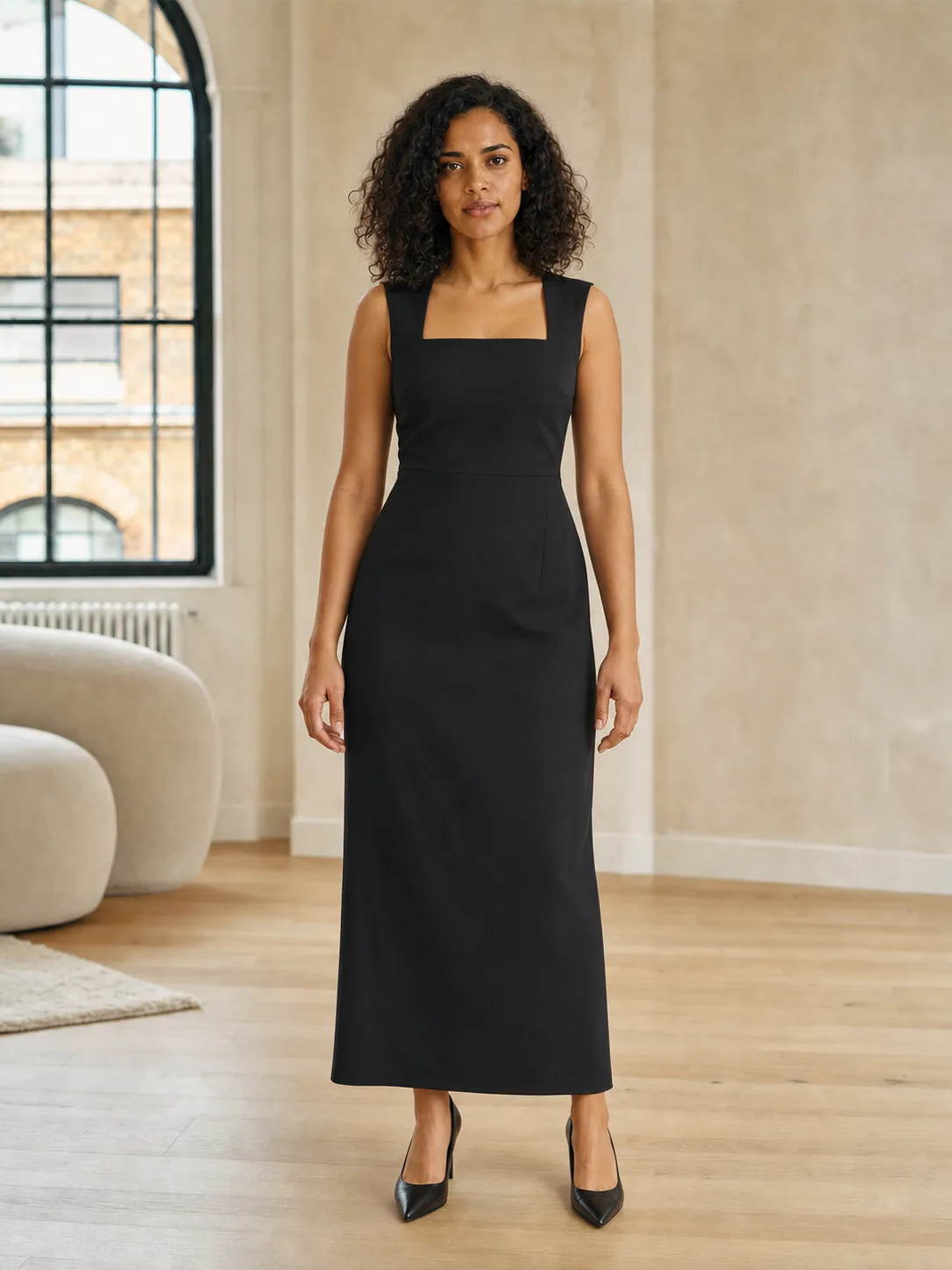
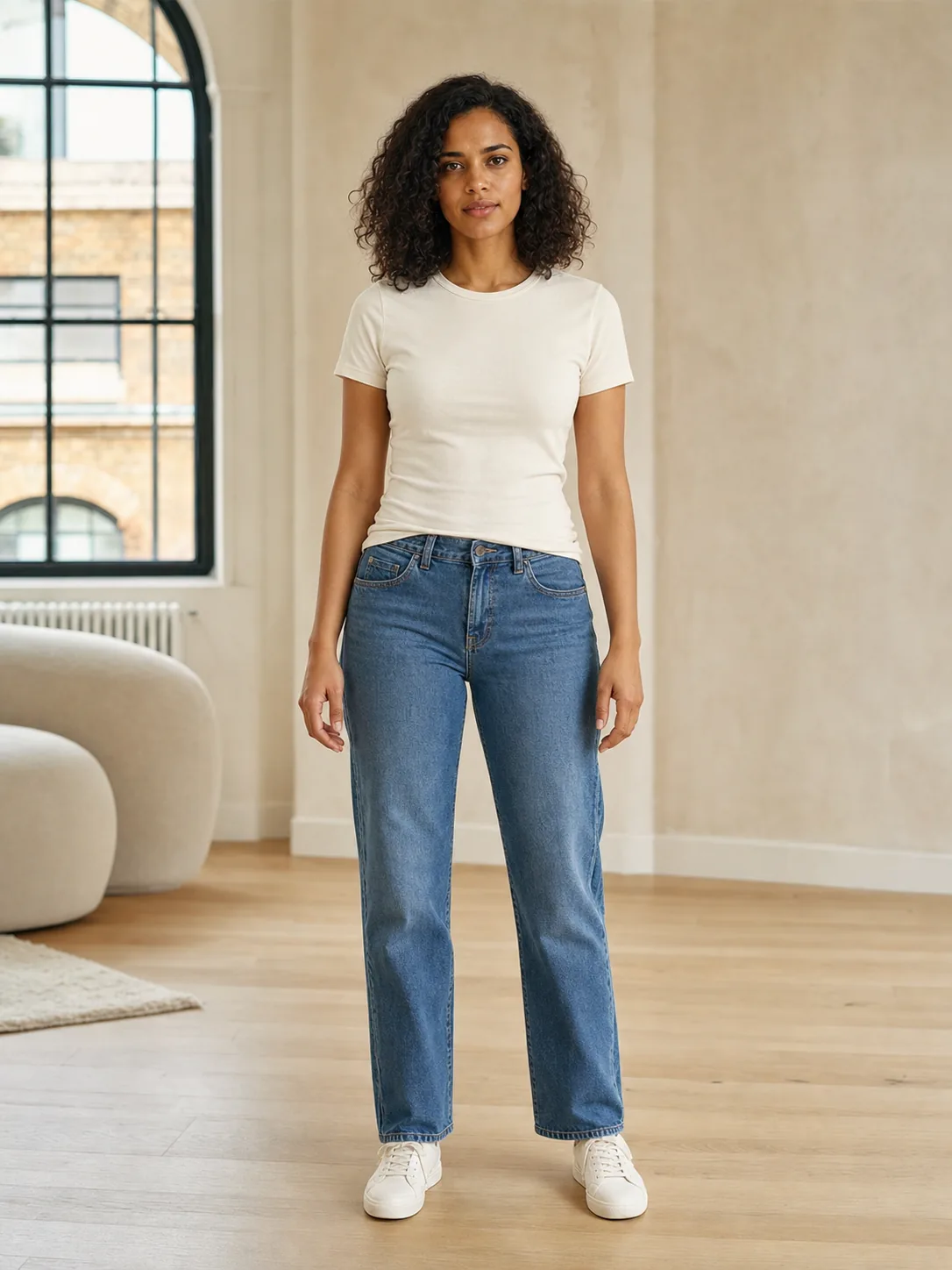
Drag to compare
Illustrative AI example · one selected look
ONE PHOTO · ONE LOOK
A simple flow. Complex technology underneath.
The model combines a photo of you with the selected outfit reference and generates a new scene rather than applying a flat overlay. Image quality and a clear view of your body therefore matter.
- 01Choose a category and look
Curated looks across everyday wear, occasionwear, and adult lingerie styles where available. Contents vary by platform and app version. Use Custom Outfit for covered adult lingerie.
- 02Add a clear photo of yourself
One adult, full body, front lighting, and arms slightly away from the torso. No other person may appear.
- 03Wait for the preview
The model attempts to preserve your identity and scene, but it can alter anatomy or simplify clothing details.
- 04Compare and save
If the direction works for you, save the preview locally. Product search uses catalog references, requires the 100 try-ons/week plan, and has a daily usage limit.
HONEST LIMITATIONS
This is not a digital measuring tape.
The image explores “what might this style direction look like?” It does not answer “which size should I order?” That difference matters before you buy.
- 01No body measurements
The AI does not know your measurements or a specific brand's sizing system.
- 02No reliable fabric physics
It cannot reliably predict stretch, thickness, pressure, opacity, comfort, or movement.
- 03Details may change
Patterns, buttons, seams, layers, hands, body proportions, or even your face may differ from the inputs.
Best practice: use a try-on to explore an idea. Verify size, materials, measurements, price, availability, and returns with the seller—and assess real fit by physically trying on the product.
WHAT NEXT?
Found a direction? Search for similar pieces.
Lace Riot connects the outfit preview with visual product search. Your personal photo is not included in the product-search request.
01Can I try clothes on in my browser?+
This website explains Lace Riot and shows illustrative examples. Create your own try-on in the iPhone or Android app. Try-ons use credits; paid packs and weekly subscriptions are available. Check the current in-app prices, allowances, and renewal terms before buying.
02Can Lace Riot change clothes in any photo?+
Lace Riot is designed for a clear photo showing only you as an adult and a catalog look or a Custom Outfit description. The current version does not promise try-on for any product image from the web.
03Does the result show real fit?+
No. It is a synthetic style preview. It does not measure your body or guarantee size, fabric behaviour, coverage, comfort, or the exact details of a real product.
04What happens to my photo?+
Your photo is sent through Lace Riot's server to OpenAI to check whether any sufficiently visible face appears younger than 20. A missing or unassessable face and uncertain age alone do not cause age rejection. If the input is not rejected, your photo and the selected outfit reference are sent to fal.ai to create the requested preview. Lace Riot does not save the incoming image, base64 payload, or a numeric age estimate in its database. See the Privacy Policy for the full flow and provider-retention limits.